Redesigning the UXHack Blog with Claude Code in 2 Hours
How we rebuilt the UXHack blog with Claude Code in about two hours: before and after, what it got right first time, and where it needed a nudge.
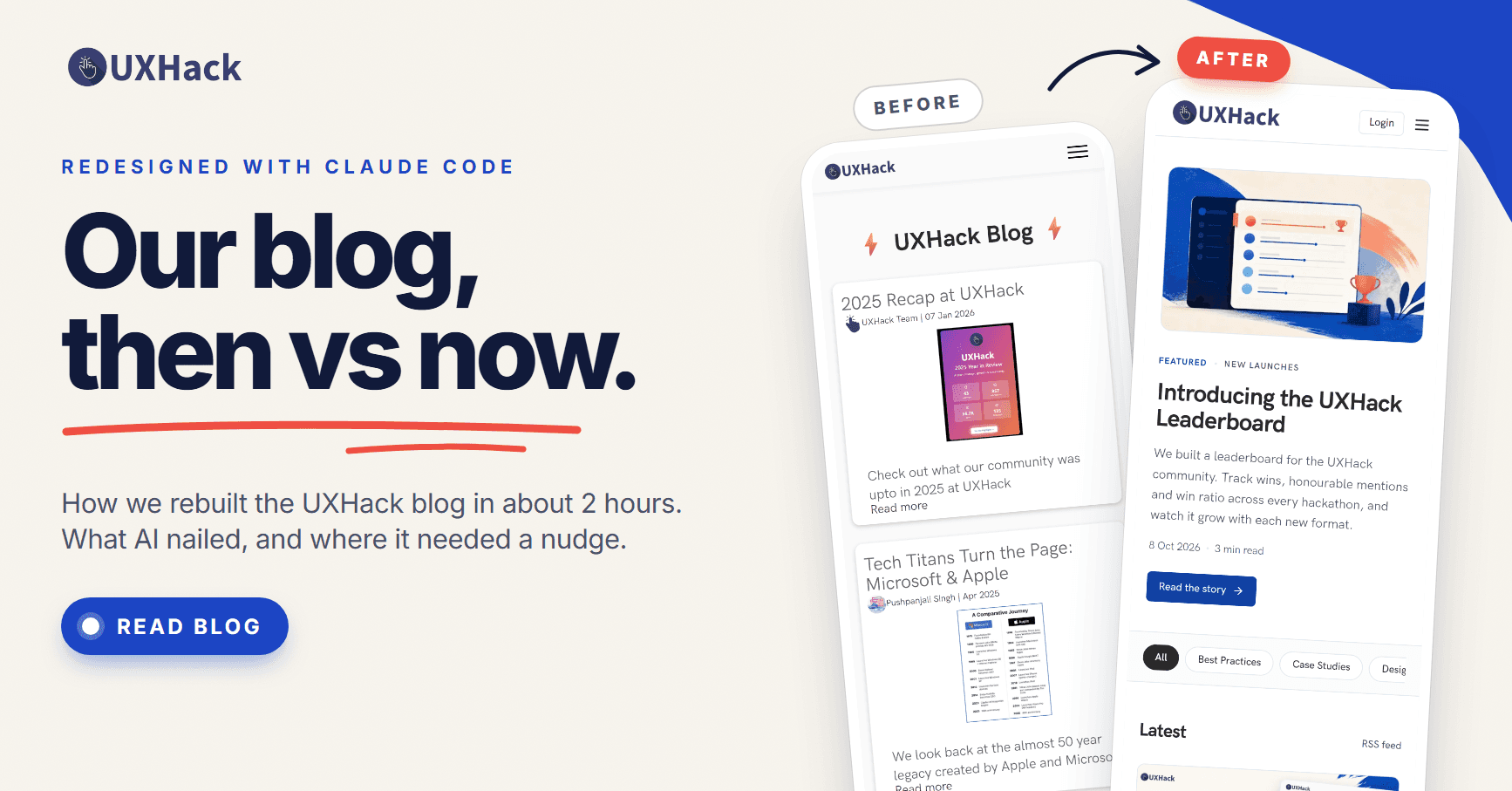
One of the fastest ROIs I've seen from GenAI: redesigning hygiene pages like the Blog, About, and so on.
I recently did this for the UXHack blog using Claude Code. It took about 2 hours from the first prompt through iterations. (Admittedly, the bar I was improving on was pretty low :) )
Earlier, this would only have been picked up once it made business sense: a content strategy, proper tracking, and maybe a couple of interns (one designer, one full-stack) to ship it.
With Claude Code, I just had to point it at the right tables and columns and give it some ideas of how I wanted it to look. Blogs are a well-understood pattern that has been around for decades, so it did a decent job on the first go.
Blog home: then vs now
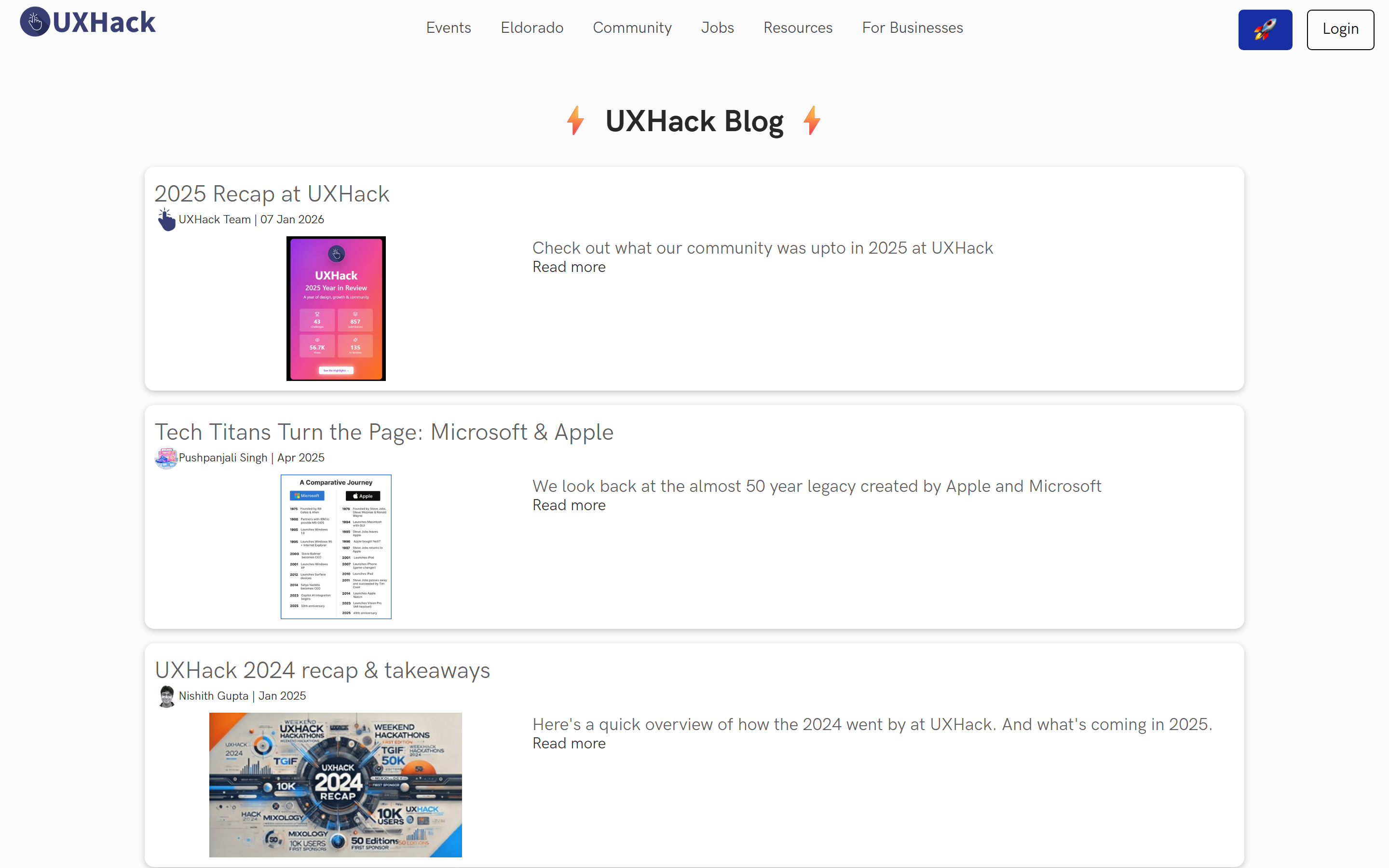

The old home page was a single column of identical cards. The new one has a featured story, a row of topics to browse, and a grid of latest posts.
Post detail: then vs now
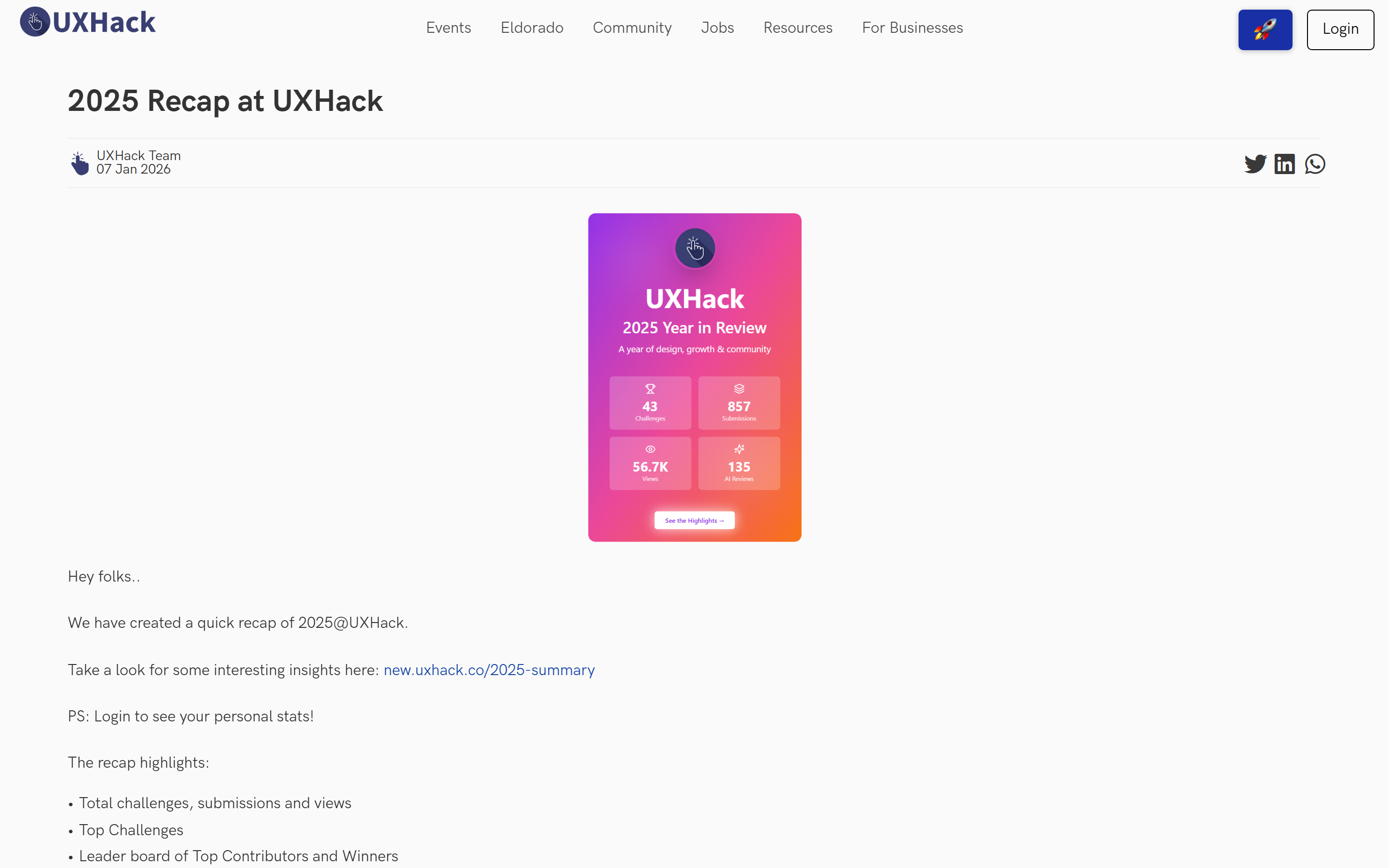
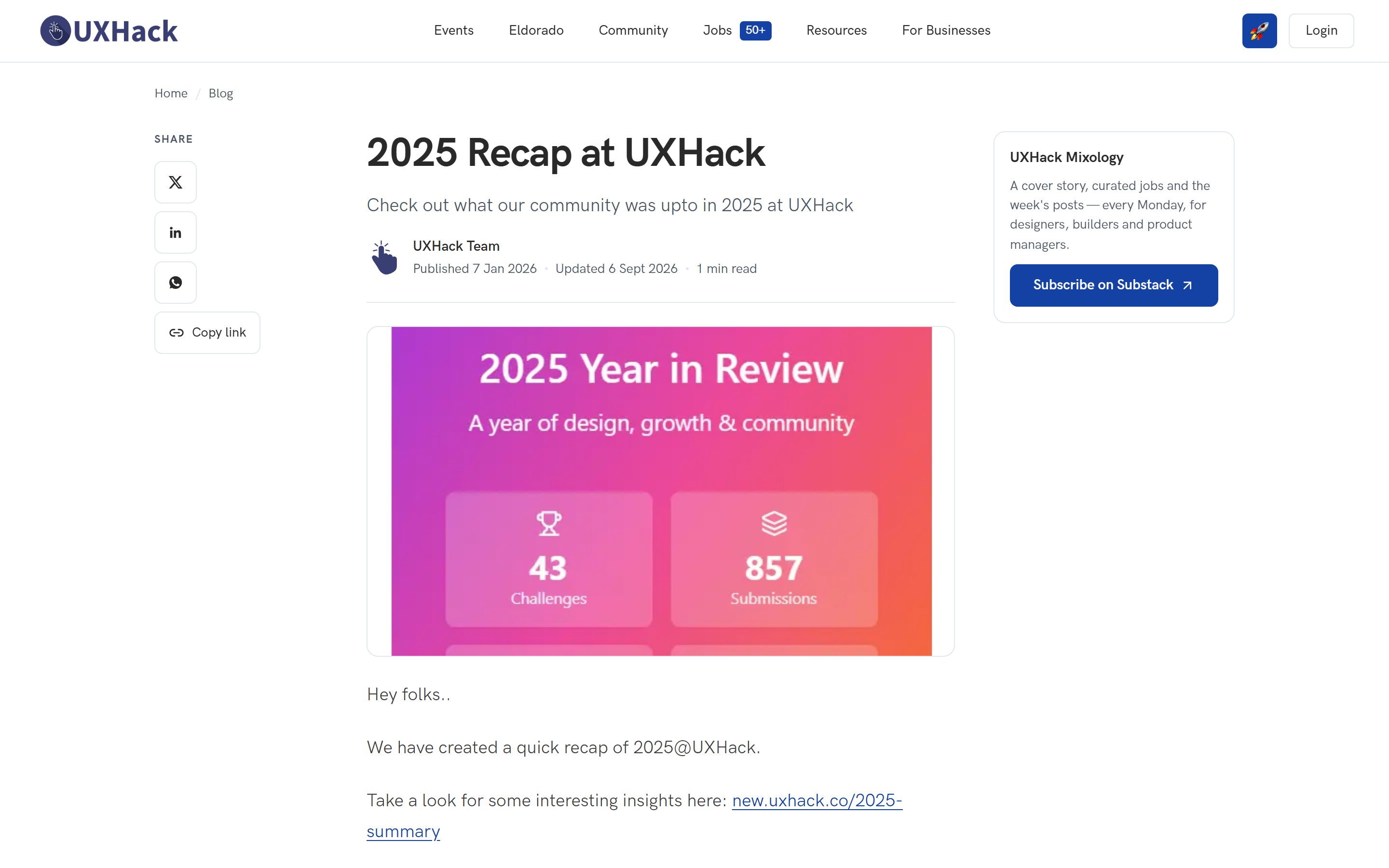
The new post page adds breadcrumbs, a subtitle, published and updated dates, reading time, share buttons with copy link, and a newsletter sign-up beside the post.
Where it fell short
To be fair, I hadn't asked for these in the original prompt.
- SEO wasn't on its radar. It didn't suggest SEO readiness on its own: metadata, structured data, tags. That took a follow-up prompt.
- Topic pages needed a separate ask. The old collection pages were bare lists. Turning them into proper topic pages, with a featured post, topic filters and a subscribe prompt, took another prompt. Most of the logic and UI was reused.
Both the listing and the posts can be improved further, but at this stage I'm quite happy with its shape.
Now try it on a real brief
Enter an open UXHack challenge, get feedback from reviewers, and keep the case study for your portfolio.